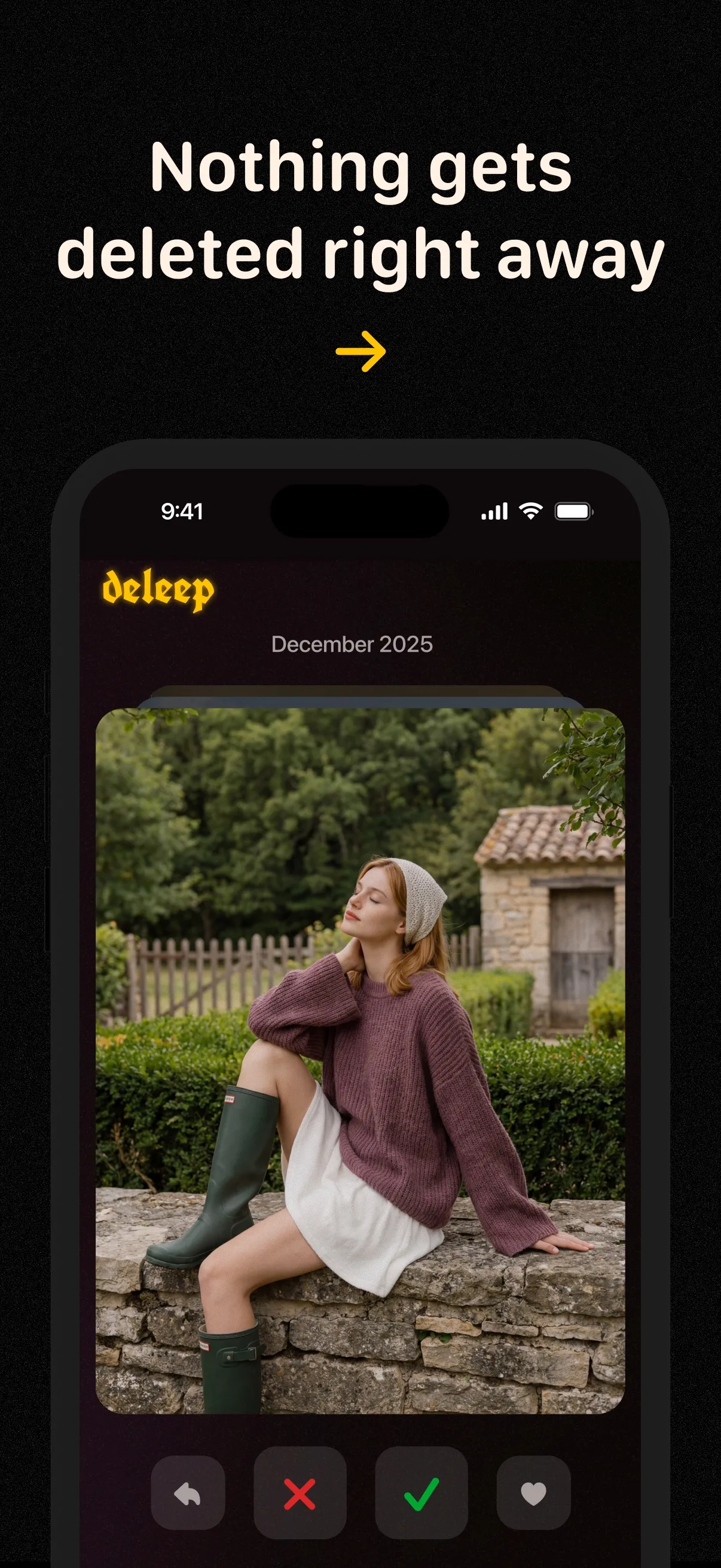
A swipe doesn’t delete a photo.
You can undo a swipe and check your selection before deleting. Your iPhone asks you to confirm before photos are removed.
 deleep
deleep is a photo-sorting app for iPhone. Swipe to keep the photos you want. Review what goes. Pick up where you left off, whenever you have a moment.

Available on the App Store · iPhone
Keep the photos you want
Review before you delete
Start small, swipe through, and review before you delete.
Pick a month or open your screenshots. You don’t have to go through all your photos at once.
Swipe right to keep a photo, left to mark it for deletion. Made a mistake? Undo your last choice.
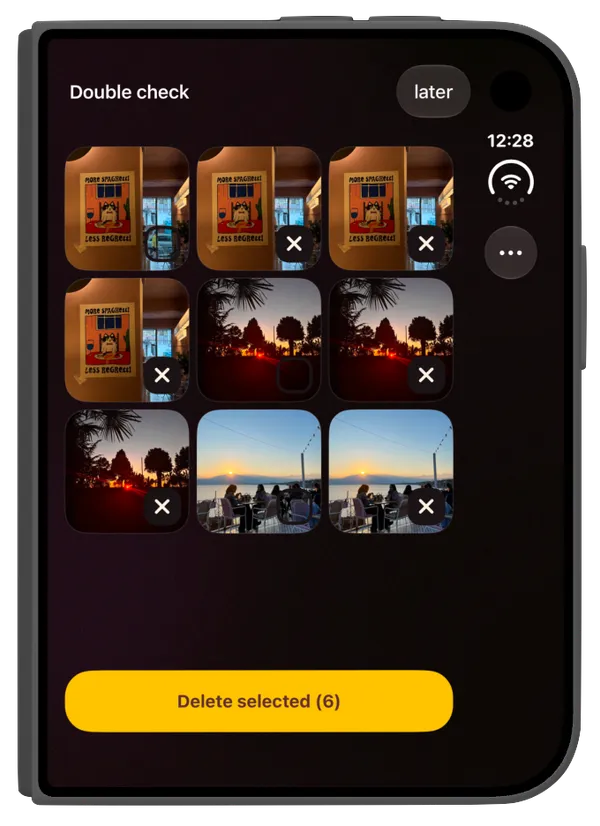
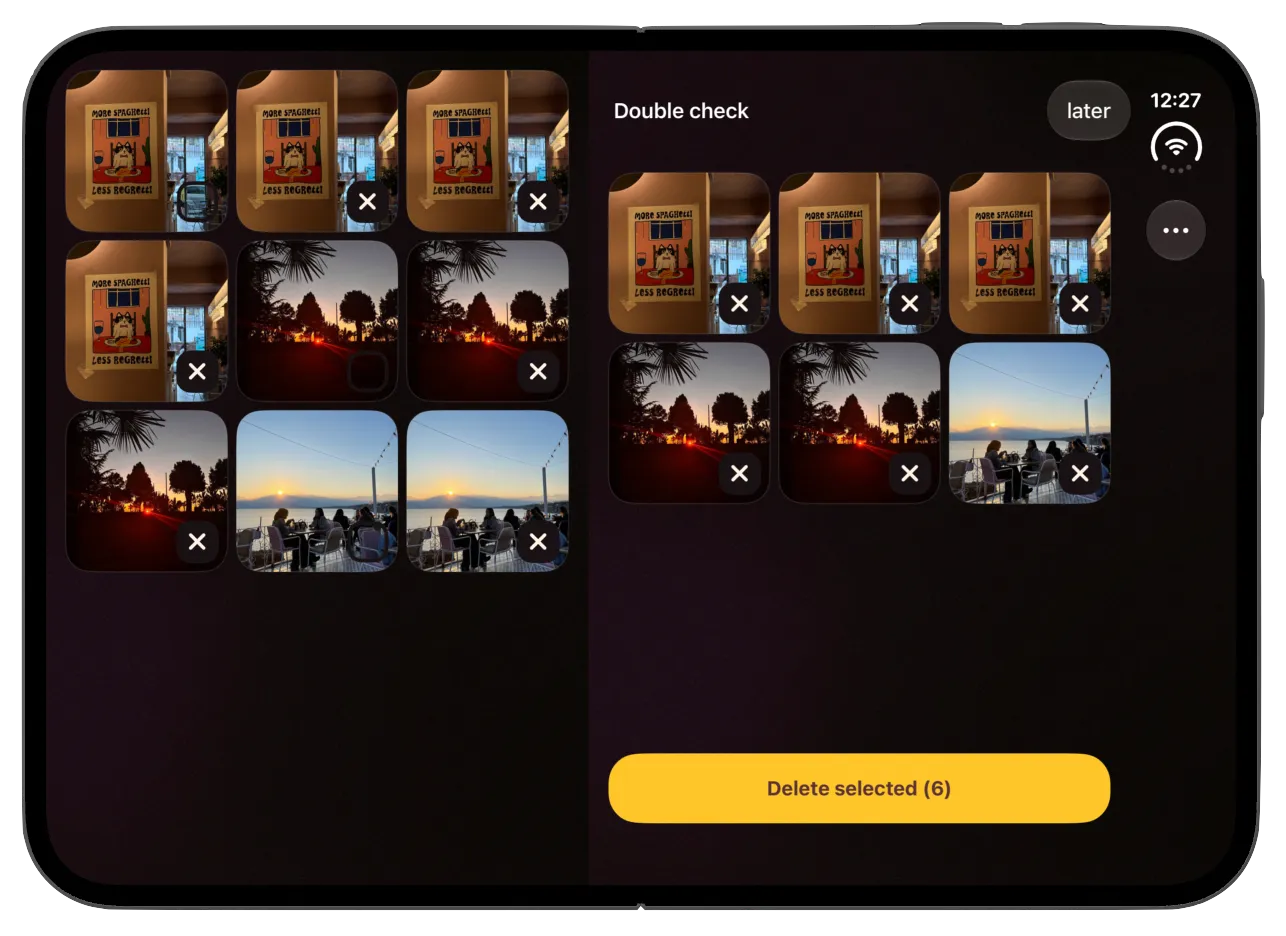
Review your choices and confirm what to delete. Swiping alone never removes a photo.
Unfold for a wider view. See your photos and the ones you’ve marked for deletion side by side before you confirm.
A few photos while you wait. A little more on your way home. deleep saves your sorting progress, so you can pause and come back later.
Sort through photos by month, clear out screenshots, and see your progress as you go.
Start your first small batch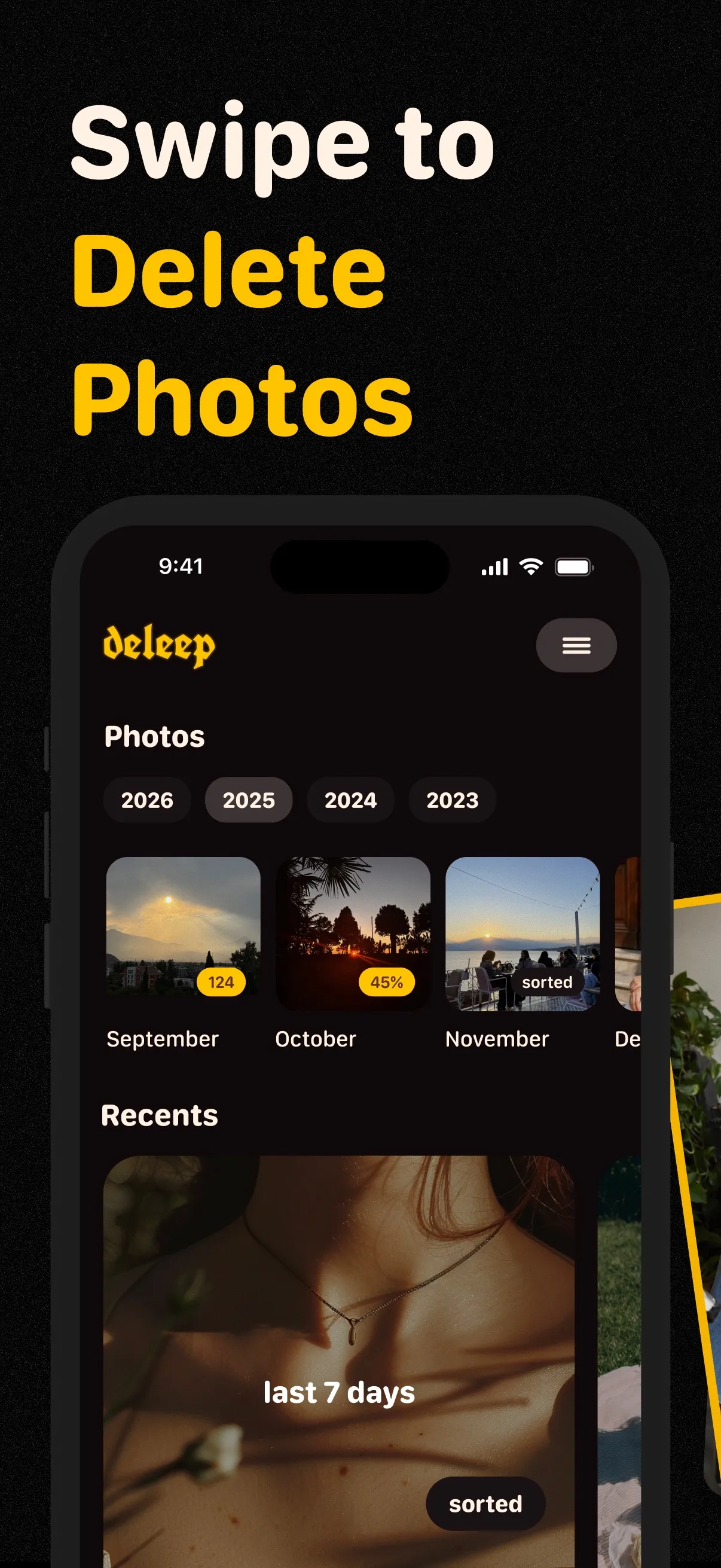
You can undo a swipe and check your selection before deleting. Your iPhone asks you to confirm before photos are removed.
deleep sorts your photos on your iPhone and doesn’t upload them. You choose which photos the app can access.
No. A swipe marks your choice. You can undo it, review the photos you selected, and confirm deletion before anything is removed.
Yes. deleep saves your progress, so you can come back when you’re ready. You can review a smaller batch without finishing the month.
You can give access to selected photos or your whole photo library. deleep can only help you sort the photos it has permission to access.
No. deleep doesn’t upload your photos. Sorting happens on your iPhone. If you use iCloud Photos, Apple handles that syncing separately.
deleep is made for iPhone, with an adapted layout for iPhone Duo. Check the App Store listing for current system requirements and availability.
We launched deleep for free, and it’s free today. If we introduce paid options, our aim is to keep them simple and affordable. You can always check current pricing on the App Store.
No. There are no ads in deleep, and we won’t add them.
No need to finish today. Just start small.